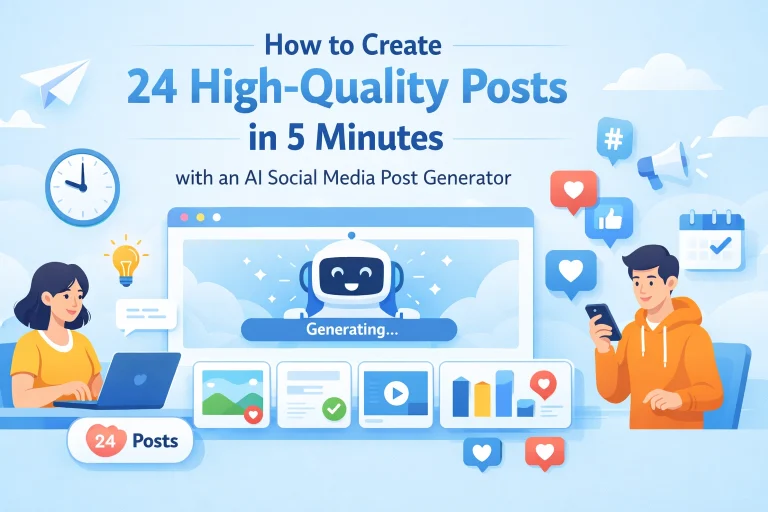
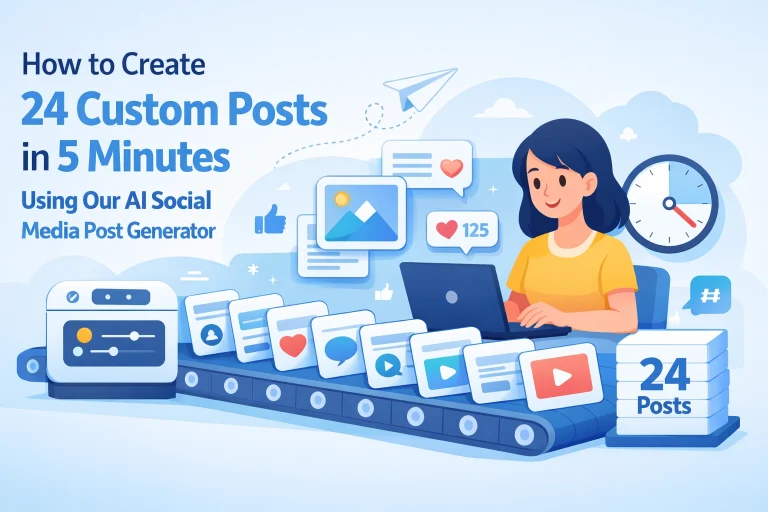
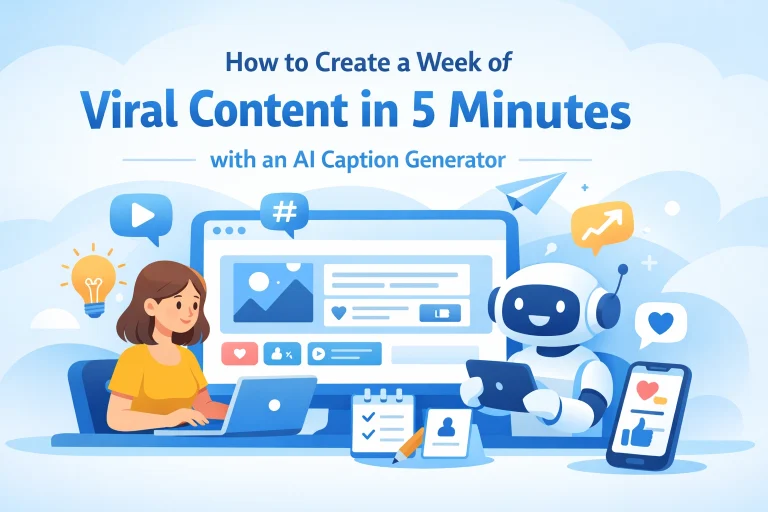
How to Create a Month of Content in 5 Minutes Using an AI Social Media Post Generator
You are spending hours on social posts that should take minutes
Creating social content one post at a time is a time trap. You open a doc. You write a caption. You hunt for an image. You resize it. You rewrite for each platform. Then you schedule it. Then you do it again tomorrow.
AISocialPoster.com offers a powerful tool that flips the workflow. You generate posts in batches, then schedule them everywhere in one go. You get a full month of content fast, with consistent branding, and without burning your weekend.
The unique 5-minute method is batch creation plus automation
This is not magic. It’s a simple system:
- Batch your ideas once: topics, offers, tips, FAQs, behind-the-scenes.
- Let an AI social media post generator produce variations: captions, hooks, hashtags, and visuals.
- Schedule the whole month: across every platform you use.
- Repeat monthly: keep the same structure, rotate themes, stay consistent.
AISocialPoster.com is built for this exact workflow, with multi-platform scheduling and AI image generation baked in.
What “a month of content” really means for busy brands
Define the goal so you can hit it fast:
- Frequency target:
- 1 post/day = 30 posts/month
- 2 posts/day = 60 posts/month
- 3 posts/day = 90 posts/month
- Platform target:
- Post once, publish to X, Facebook, LinkedIn, Instagram, Pinterest, Threads, Bluesky, Mastodon
- Format target:
- Short educational posts
- Simple promotional posts
- Lightweight engagement prompts
- Visual quote cards or tip graphics
AISocialPoster.com supports up to 24 posts/day, so the tool never becomes your bottleneck.
The content pillars that make AI output better instantly
AI performs best when you give it a repeatable structure. Use 4–6 pillars and rotate them.
Pick your pillars from this list:
- Education: tips, how-tos, checklists, common mistakes
- Authority: mini case studies, lessons learned, “what we’d do differently”
- Community: questions, polls, hot takes, “this or that” prompts
- Behind-the-scenes: process clips, screenshots, team moments, workflows
- Promotion: offers, product highlights, testimonials
- SEO-friendly snippets: bite-size content pulled from your blog pages
A simple 30-post pillar map you can reuse monthly
- 10 posts: Education
- 6 posts: Community
- 6 posts: Authority
- 4 posts: Behind-the-scenes
- 4 posts: Promotion
This is the “one input, many outputs” structure your AI caption generator thrives on.

The fastest setup is a mini content spreadsheet
Batch creation gets easier when you stop relying on memory. Use a simple sheet with columns like:
- Date
- Pillar
- Topic
- Offer or CTA
- Platform focus
- Tone
- Keywords
Keep it short. You are not writing scripts. You are giving the AI enough direction to generate great posts quickly.
Example row ideas you can paste today
- Education | “3 mistakes small businesses make with scheduling” | CTA: “Try AISocialPoster.com” | Keywords: social media scheduler, scheduling tool
- Community | “What is your biggest social media bottleneck” | CTA: “Comment your answer” | Keywords: social media automation tool
- Promotion | “Schedule to 8 platforms in one place” | CTA: “Start 7-day trial” | Keywords: hootsuite alternatives
Create your month in AISocialPoster.com in 5 minutes with this exact workflow
Use this playbook. Keep it tight. Move fast.
Step 1: Pick your platforms and connect them once
Connect the platforms you actually post on. AISocialPoster.com supports:
- X
- Threads
- Bluesky
- Mastodon
Use the official connection guides when needed:
- Connect Facebook: https://aisocialposter.com/docs/connect-facebook
- Connect Instagram: https://aisocialposter.com/docs/connect-instagram
- Connect LinkedIn: https://aisocialposter.com/docs/connect-linkedin
- Connect Pinterest: https://aisocialposter.com/docs/connect-pinterest
- Connect Threads: https://aisocialposter.com/docs/how-to-connect-threads
If you still need accounts, these help:
- Create an Instagram account: https://aisocialposter.com/docs/how-to-create-an-instagram-account
- Create a Pinterest account: https://aisocialposter.com/docs/how-to-create-a-pinterest-account
Step 2: Choose a month theme and 4–6 pillar topics
Make the AI’s job easy. Give it a clear theme.
Examples that work across industries:
- “Spring cleaning your marketing”
- “30 days of quick wins”
- “Myths vs facts in your niche”
- “Beginner tips for getting started”
Then list 4–6 pillar topics. Done.
Step 3: Generate posts in batches, not one by one
Batch by pillar so the voice stays consistent.
Create batches like:
- 10 Education posts
- 6 Community posts
- 6 Authority posts
- 4 Behind-the-scenes posts
- 4 Promotion posts
Batching gives you speed. It also gives you variety without losing focus.
Step 4: Use AI captions plus AI images for instant scroll-stopping posts
AISocialPoster.com combines two time savers:
- AI caption generator: produces hooks, body text, and CTA options fast
- AI image generation: creates on-brand visuals without design tools
Use simple prompts that drive consistent output:
- “Write 3 short captions about Topic X for LinkedIn in a confident professional tone, include a strong CTA.”
- “Write a punchy version for X under 280 characters.”
- “Write an Instagram caption with 5 hashtags and a question at the end.”
Then generate images for the highest-impact posts:
- Quote cards
- Tip lists
- Mini “3 steps” graphics
- Feature highlights

Step 5: Schedule the whole month with one social media scheduling tool
Scheduling is where everything compounds.
Use one calendar and push your content to every platform you selected:
- Schedule once for Instagram
- Schedule once for Facebook
- Schedule once for LinkedIn
- Schedule once for Pinterest
- Schedule once for X
- Schedule once for Threads
- Schedule once for Bluesky
- Schedule once for Mastodon
This is why people search for a solid social media scheduler. They want less switching, less manual work, and more consistency.
Make every post platform-native without rewriting from scratch
Posting the same exact copy everywhere is usually a miss. Your audience expects different vibes on different platforms.
Use this “light edit” approach:
- LinkedIn: more structure
- 1 strong hook line
- 3–5 short lines
- 1 takeaway
- 1 CTA
- Instagram: more personality
- short paragraphs
- line breaks
- 5–12 hashtags
- X: tighter and bolder
- one idea
- one punchline
- one CTA
- Pinterest: keyword-led
- “How to…” titles
- searchable descriptions
- Facebook: friendly and direct
- simple question prompt
- short CTA
AISocialPoster.com makes this easier because you are generating variations fast, then scheduling them immediately.
Use a simple A-B caption trick to boost engagement fast
You don’t need complicated testing tools to get better results. Just create two caption styles for the same topic.
Create A-B variations like:
- A: Benefit-first
- “Save 5 hours a week with a social media scheduling tool…”
- B: Pain-first
- “Still writing posts one by one and losing your weekends…”
Then rotate them through the month.
Do this consistently:
- Change the hook
- Keep the core idea
- Track basic engagement
- Repeat what works
The best way to stay consistent is to automate your content engine
Manual posting fails when business gets busy. Automation keeps you visible when you are slammed.
AISocialPoster.com works as a social media automation tool that supports:
- Bulk planning: build a month at once
- Multi-platform publishing: one workflow, many channels
- Always-on presence: no gaps, no panic posting
- High volume: up to 24 posts/day when you want to scale
This is how you build momentum without hiring a full-time social media team.

Why AISocialPoster.com is one of the best Hootsuite alternatives right now
If you have tried legacy scheduling tools, you already know the pain:
- Too many clicks
- Add-ons for basic features
- Content creation still feels manual
- Pricing that climbs fast
AISocialPoster.com is different because the creation and scheduling live together:
- AI social media post generator: create posts fast without starting from blank
- Social media scheduler: schedule everywhere from one place
- Instagram scheduler + Facebook scheduler + LinkedIn scheduler: one workflow across platforms
- Pinterest scheduler: keep pins consistent without extra work
- AI image generation: stop hunting for visuals
- Affordability: built for creators, small businesses, and agencies
- 7-day trial: test the workflow before you commit
- $7.00/Mo.: keep overhead low while you scale content output
- No Credit Card required!: start instantly and explore
A practical “5-minute” checklist you can run every month
Use this and move.
- Pick a monthly theme
- Choose 4–6 content pillars
- List 30 post topics in a sheet
- Generate captions in batches
- Generate images for top posts
- Schedule everything across your platforms
- Reuse what works next month
Common mistakes that slow you down and how to fix them fast
Writing prompts that are too vague
Fix it with a tighter format:
- Audience: “for local service businesses”
- Goal: “book more consult calls”
- Tone: “energetic and professional”
- Platform: “for LinkedIn”
- Length: “under 80 words”
Trying to make every post perfect
Fix it with a volume rule:
- Publish more
- Improve by iteration
- Let analytics guide the upgrades
Posting everywhere without a plan
Fix it with platform priorities:
- Start with 2–3 platforms
- Expand when your system is stable
- Use multi-platform scheduling to scale without extra time
Feature recap that turns 5 minutes into a full month of momentum
- AI social media post generator: create a month of captions fast!
- AI caption generator: generate hooks, CTAs, and variations instantly!
- AI image generation: make visuals without design bottlenecks!
- Social media scheduling tool: schedule once and stay consistent!
- Multi-platform scheduling: post to X, Facebook, LinkedIn, Instagram, Pinterest, Threads, Bluesky, Mastodon!
- High posting capacity: schedule up to 24 posts/day!
- Affordable pricing: just $7.00/Mo.!
- 7-day trial: test-drive your workflow!
- No Credit Card required! Start now and build your month today!
Build and grow your audience today!
- Generate your next 30 posts in minutes
- Schedule them across every platform
- Keep your brand visible without the daily grind
Brought to you by: AISocialPoster.com